
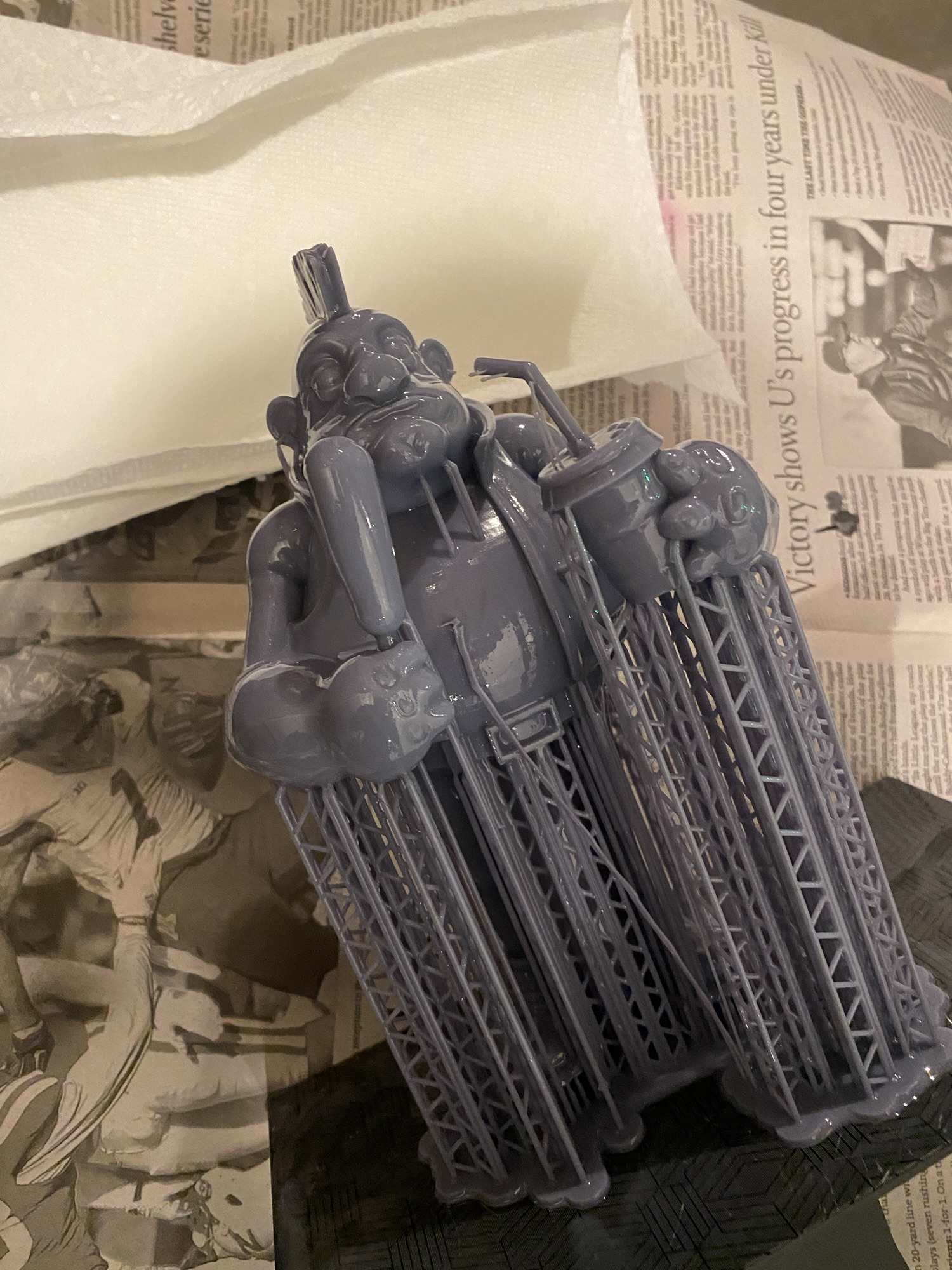
A little bit about me
I’m pretty much stuck in the ’80s, and I say that proudly. I love characters, cartoons, and stylized designs, and that influence shows up a lot in my art and hobbies. After high school, I studied animation and learned 3D modeling using Autodesk Maya on a Silicon Graphics (SGI) computer. Back then, the hardware needed to run that kind of software cost tens of thousands of dollars. Today, it’s wild to think that you can run powerful creative tools on a laptop — or even an iPad.
3D Modeling Programs Worth Checking Out
Over the years, I’ve experimented with a few different modeling and sculpting tools. If you’re curious, here are some popular ones:
- ZBrush
- Blender
- Maya
- Nomad Sculpt
Fast Forward a Few Years…

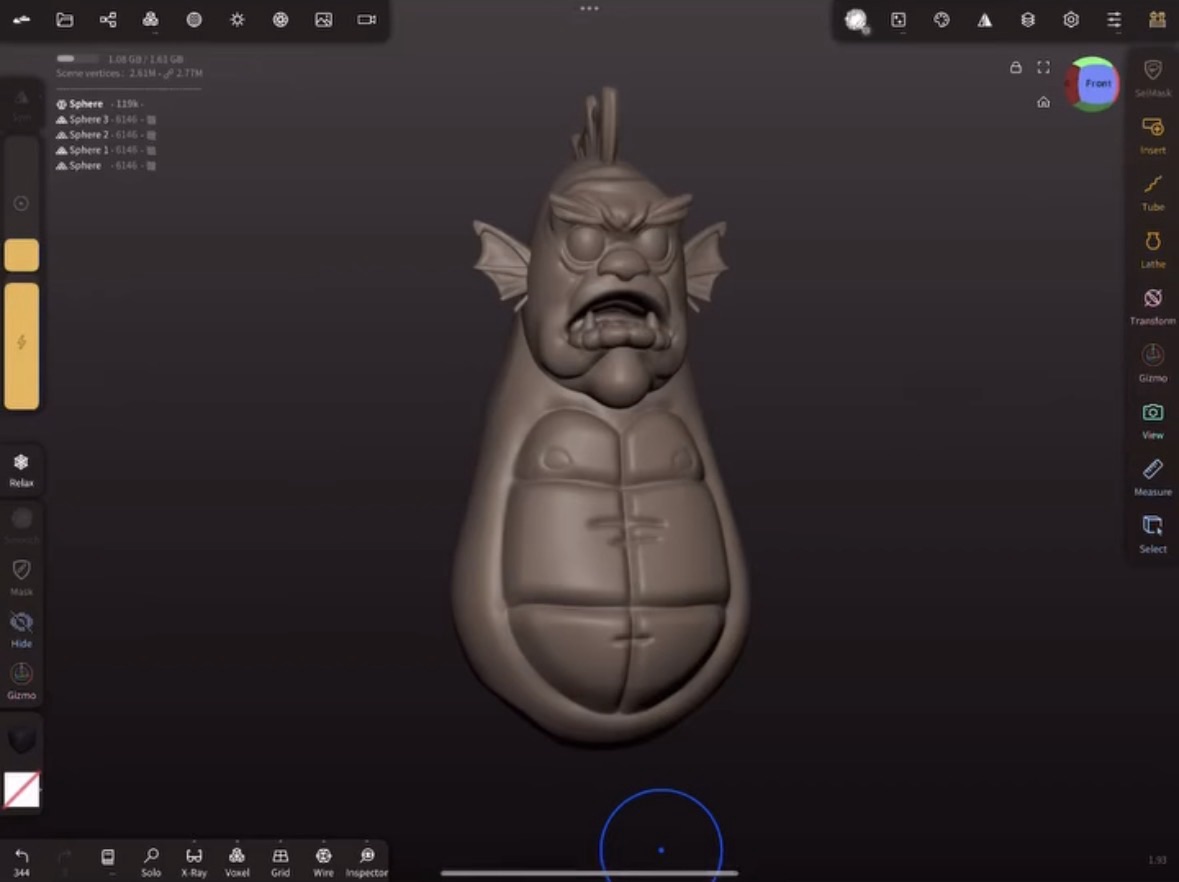
A couple of years ago, I stumbled across a 3D modeling app for the iPad called Nomad Sculpt. It’s a surprisingly powerful sculpting tool, very similar to ZBrush, but way more approachable. Even better, there’s a growing community of artists who share tips, techniques, and workflows on YouTube.
One creator in particular, Dave Reed, has been a huge help for me. I’ve picked up a ton of useful techniques from his videos. And at some point, after spending hours creating characters, I started asking myself a simple question: Can I actually 3D print these?
Why 3D Printing, and Why Now?
I had been interested in 3D printing years earlier, but at the time, the machines were expensive, and the print quality didn’t seem worth the investment. So I stuck with traditional sculpting and digital work.
This time around was different. With my curiosity renewed, I started researching modern 3D printing — and honestly, it was overwhelming. The tech has advanced a lot. Yes, it turns out you can print models created in Nomad Sculpt, but it’s definitely not as simple as hitting Print and walking away.
One of the things that really surprised me as I got deeper into 3D printing and modeling was just how much the community has grown over the past few years — and how helpful people are. From Facebook groups to sites dedicated to sharing 3D files, there’s no shortage of resources and people willing to help. I’ve started putting together a list of some of my go-to resources on the Resources page here on the site, and I’ll keep adding to it as I find more along the way.
The difference between FDM vs Resin 3D Printers

I touched briefly on the differences between the two types of printers in a previous article, but I wanted to go deeper into the research I did and the things I considered before making my decision. I’ll also talk about what I thought I understood going in — and what I quickly realized I had no idea I needed to know.
My main goal was simple: I wanted to print my creations with the best quality and detail possible. Beyond that, I honestly didn’t fully understand what it actually took to get a print from screen to reality, or how different the two types of 3D printers really were.
Based on my research, resin printing seemed like it would get me closest to my goal. That said, I didn’t want to completely rule out FDM printers — honestly, I wasn’t 100% sure yet. On the FDM side, the most commonly recommended options were the Bambu Labs P1S or P2S, and for beginners, the A1 or A1 Mini, especially with the AMS multicolor system, which definitely caught my attention.
Still, when it came to print resolution and fine detail, FDM just didn’t seem to match what I was seeing from resin printers. I kept coming back to the Elegoo Saturn series, which consistently showed up as a top-performing option, and the entry-level price point made it even more appealing.
The choice I made and the lessons I learned
After weeks of research, countless YouTube videos, adding multiple printers to my cart, and changing my mind more times than I can count, I finally landed on the Elegoo Saturn 3 Ultra resin printer.
One thing I quickly learned is that a resin printer setup requires a bit more than just the printer itself. You’ll also need a wash station and a curing station, and there are plenty of options out there, so definitely do your research. I ended up taking a “stick with the brand” approach and went with the Elegoo Mercury bundle. Overall, I’ve been really happy with it, though I don’t have much to compare it to — so again, research is your friend.
I also picked up a second Elegoo wash bucket so I could keep a dedicated first-stage wash. Quick note: the wash station I use is filled with 99% isopropyl alcohol (IPA), which I buy locally at Runnings, but the same brand is also available on Amazon.

As I started printing more, I realized that objects with precise shapes and sharp angles — like what you’d find on a mini arcade model — weren’t always the best fit for resin printing. That sent me back into research mode, trying to figure out how to get the results I was looking for.
I experimented with support settings and adjusted the orientation of the model in the slicer, hoping to eliminate the layer shifting I was seeing, but every change seemed to fix one issue while creating another. Don’t get me wrong — the resin prints looked good — they just weren’t as easy to set up or as predictable as I wanted. It started to feel like there had to be a simpler way.
It may be time to learn some new techniques
At that point, it became pretty clear that an FDM printer was what I needed to get the results I was after. FDM printers come in all shapes and sizes — from bed-slinger machines like the Bambu Labs A1 to CoreXY printers like the Prusa CORE One, and plenty of others in between.
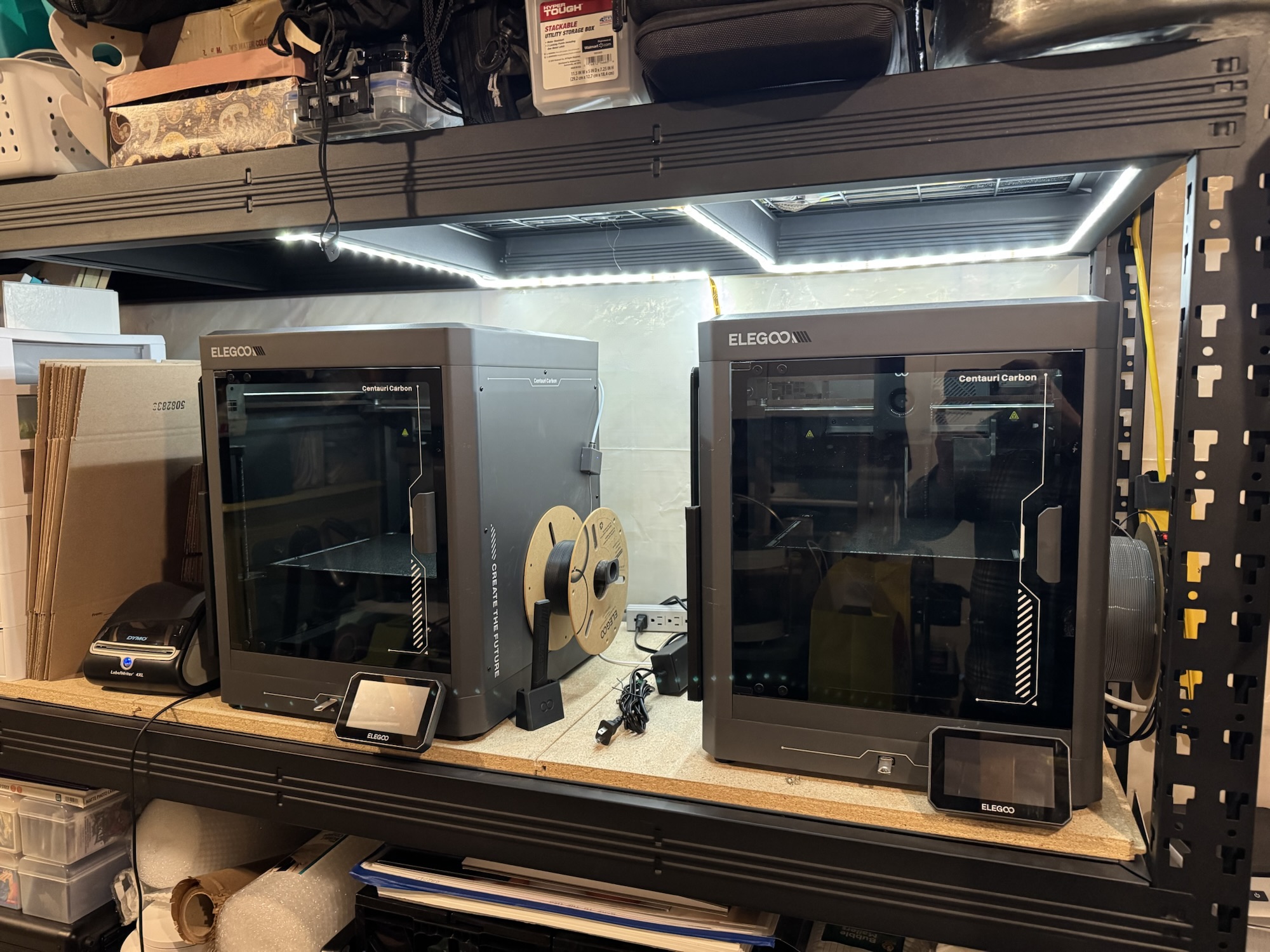
Price definitely played a role in my decision. Printers like the Bambu Labs P2S, which topped a lot of recommendation lists, were simply out of my budget at the time (though, as I’m writing this, prices have come down quite a bit). I was actually about to pull the trigger on a Bambu Labs A1 when Elegoo announced their newest enclosed CoreXY printer, the Centauri Carbon, launching at a very competitive price of $299. That announcement sealed it for me… so yeah, I bought two.
These printers have been absolute workhorses for me, and I’d honestly recommend them to anyone. I plan to do a full review based on my experience at some point, but overall, I’ve been really happy with them.
The next evolution for me
Now I’ve got my eye on my next upgrade — a printer with AMS (multi-color printing) capabilities. Elegoo is rumored to be working on a Centauri Carbon version with AMS, but who has the patience to wait for that? Until then, I’m leaning toward the Bambu A1 Combo so I can start experimenting with multi-color printing and learn that side of the hobby.
At Cords Creative Creations, I’m all about sharing the creative process as it really is. Stick around if you want to learn, tinker, and build cool stuff along the way.
Happy printing!
A quick heads-up: this post includes affiliate links. If you choose to buy something through one of them, I may earn a small commission at no extra cost to you. It helps me keep creating and sharing here at Cords Creative Creations — thank you for the support!

Leave a Reply